
See what matters.
Orbit, clip, and measure your STL. Save distances, angles, labels, and colours. Use two views to keep different perspectives in the same discussion.
STL VIEWER & 3D PRINT ADVISOR
Bring your next part into focus. Review geometry, explore a build setup, and explain your thinking—from your iPhone or iPad.
In development for iPhone & iPad · First release in preparation
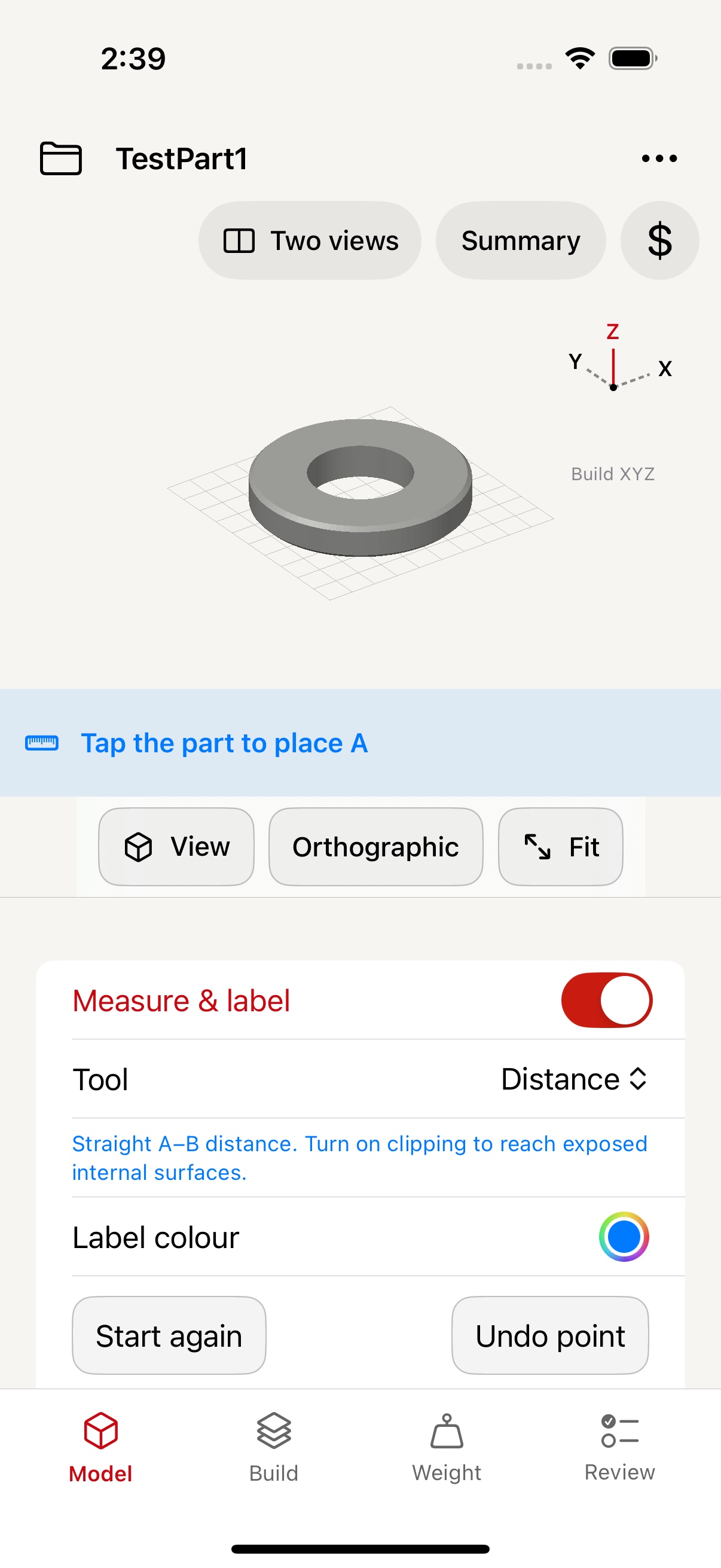
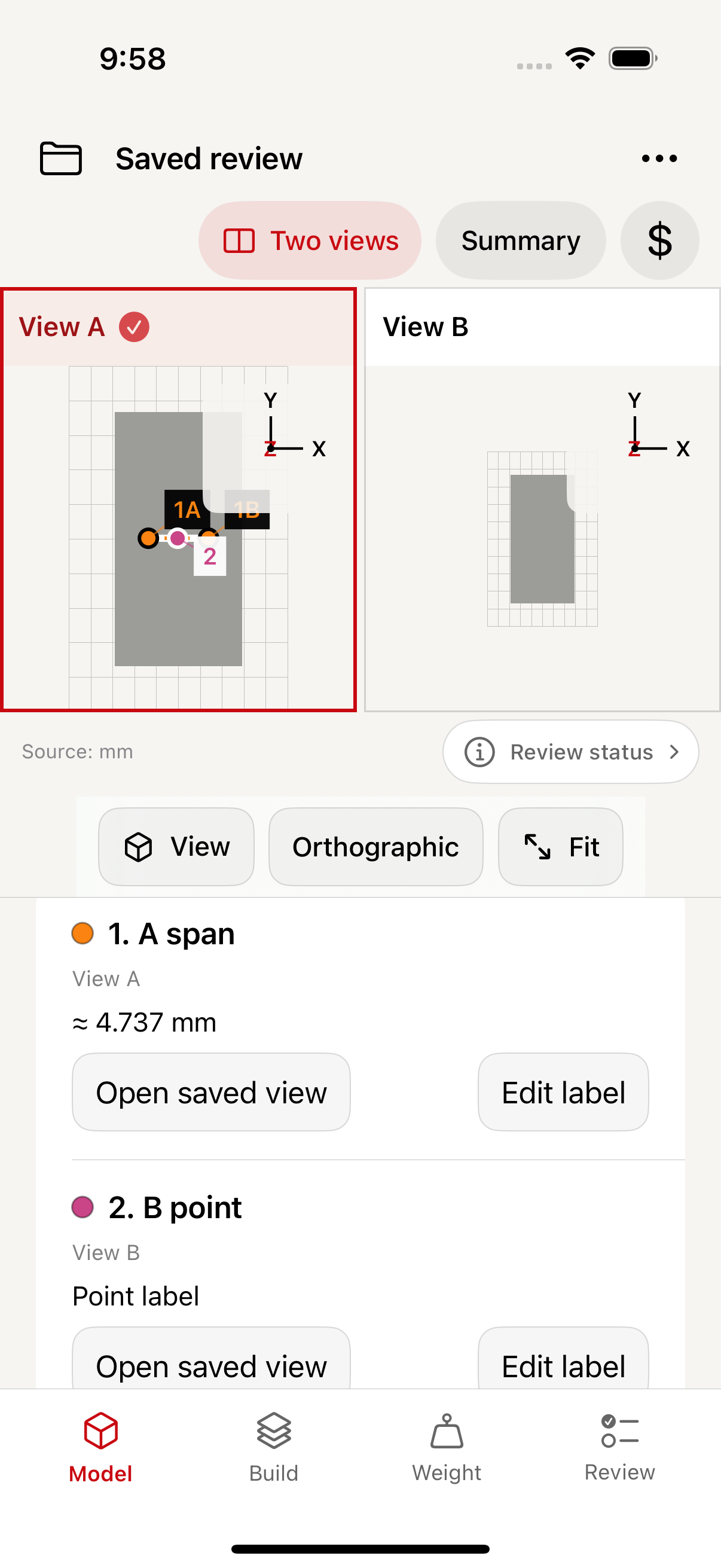
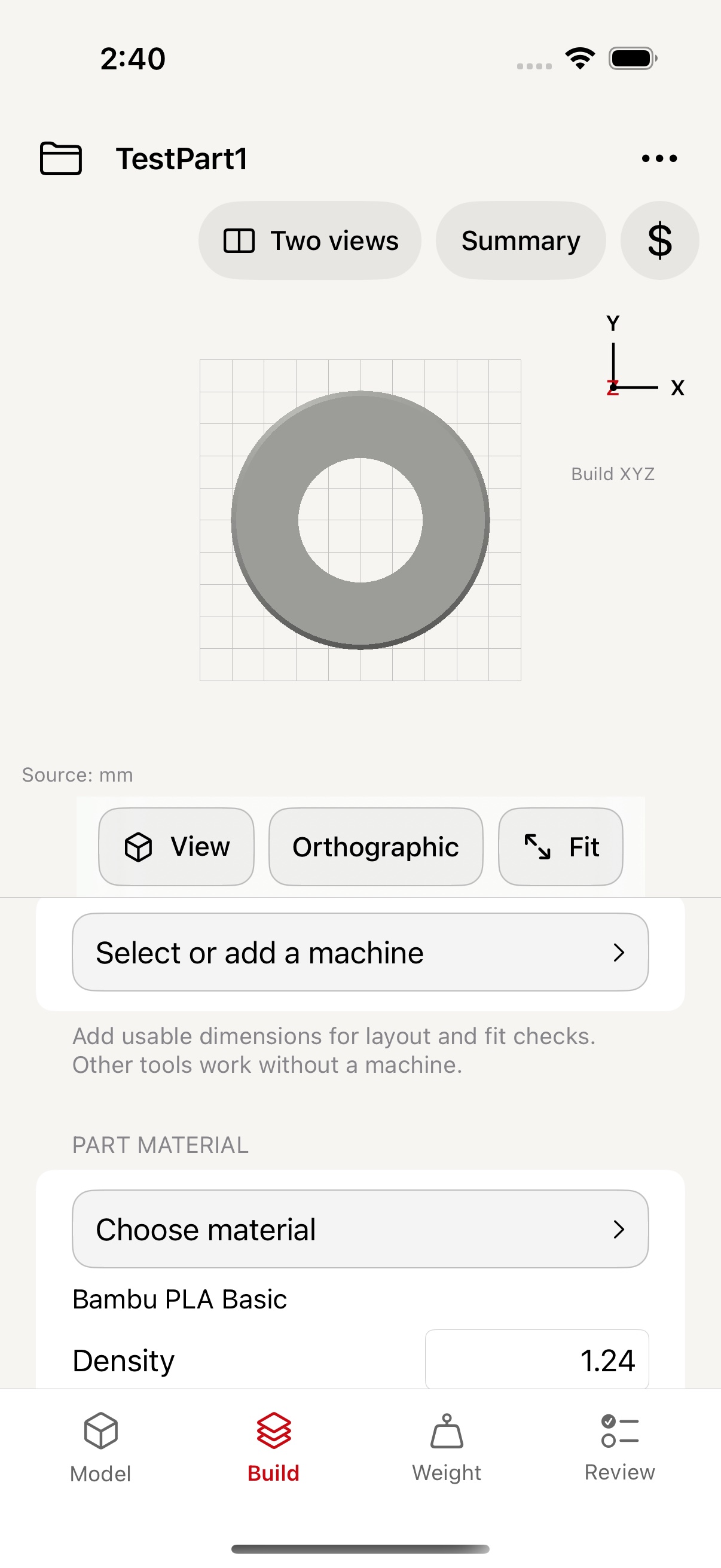
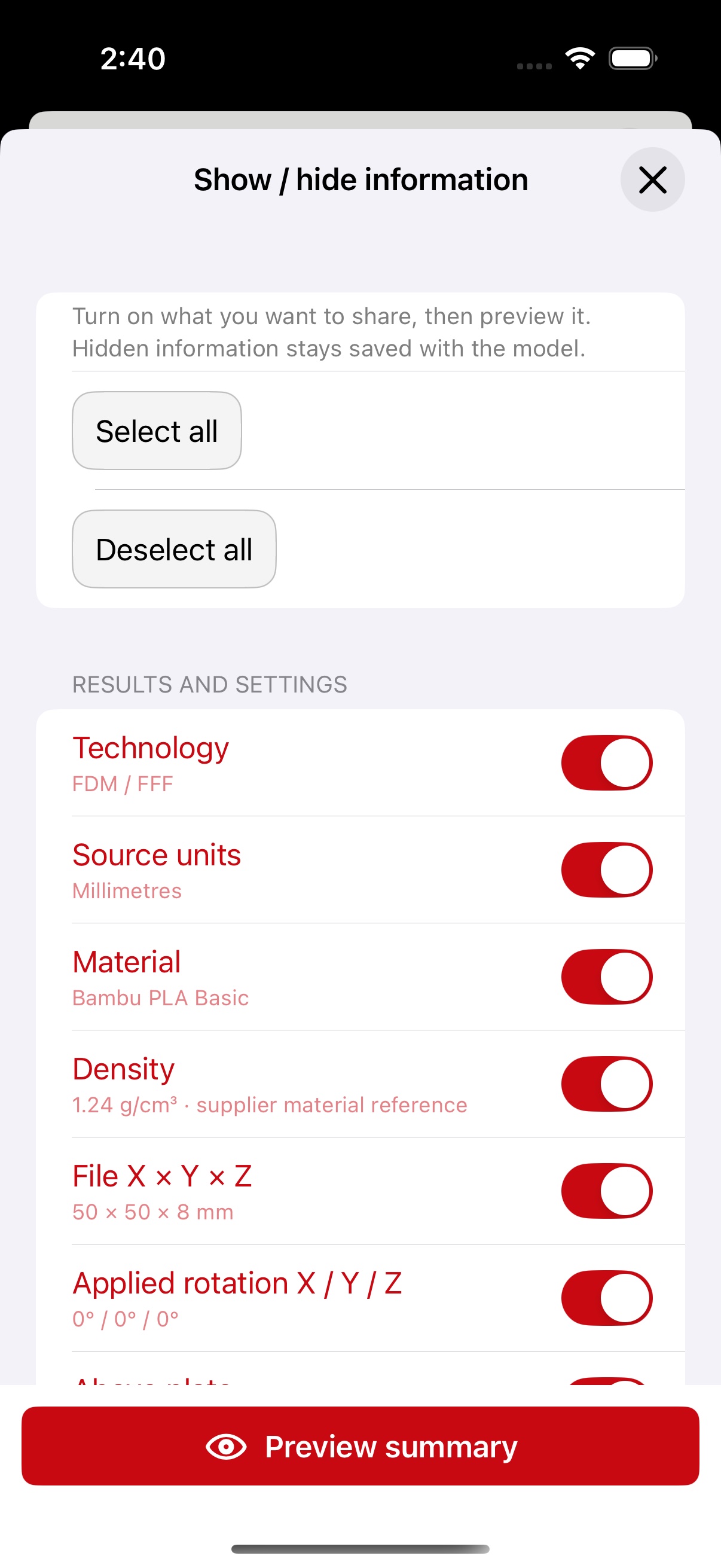
Actual development screens. Interface may change before release.
STL + saved projectsOpen, inspect, revisit
iPhone & iPadA workspace that travels
On-device modelsNo account required
Monthly or yearly ProOne subscription, both devices
FROM A FILE TO A CLEARER CONVERSATION
A model is only the beginning. Keep the measurements, assumptions, and questions that make a useful review.
Orbit, clip, and measure your STL. Save distances, angles, labels, and colours. Use two views to keep different perspectives in the same discussion.
Review orientation, machine dimensions, and quantities. Estimate weight from accepted geometry and selected density, with part, support, and waste inputs kept distinct.
Record process questions, build a quotation from your own rates, and share a selected summary image. Save an editable project to continue the conversation later.
A PRACTICAL SECOND LOOK
Choose a process, inspect the model, and make the next step clear. PocketAdditive keeps calculated results and your own inputs visible together.
POCKETADDITIVE PRO
Try your own models before choosing Pro. Monthly and yearly plans give you the same access on iPhone and iPad with the same Apple Account.
Two different files per device are free to try. The sample and learning pages are always free.
For people who regularly review new parts and want to keep useful setup information close at hand.
Subscriptions will be offered through the App Store when the app launches. Check the app for current local prices and terms. Subscriptions renew automatically unless cancelled through Apple. Project libraries stay on each device; a subscription does not provide live project sync.
LET’S TALK ABOUT YOUR WORKFLOW
For PocketAdditive enquiries and support, contact pa@alphalumio.com.
Visit PocketAdditive support